
You’re staring at your dashboard. The hashrate is stable, the fans are humming, but the earnings? They’ve dipped below what you expected for three days straight. Maybe the mining pool you joined last year has started charging higher fees or experiencing intermittent downtime. Or perhaps a new competitor just launched with a better payout structure. Whatever the reason, you’re considering pulling the plug on your current setup and moving to a new provider. But here’s the fear that keeps most miners up at night: What if I lose my accumulated shares? What if the switch takes hours and I miss a block? What if I configure the IP address wrong and burn through electricity for nothing?
The good news is that switching mining pools doesn’t have to be a high-stakes gamble. With the right preparation and a clear understanding of how your hardware talks to the network, you can migrate smoothly. In fact, doing it right might even save you money in the long run. This guide walks you through exactly how to make the jump, whether you’re running a single ASIC rig in your garage or managing a small farm in Wellington.
Why You Should Actually Switch (And When Not To)
Before you touch any settings, ask yourself why you’re leaving. Emotional decisions rarely pay off in mining. If you switched because you didn’t find a block in two weeks, hold on. That’s variance, not failure. However, there are concrete reasons to move:
- Rising Fees: Most pools charge between 1% and 3%. If yours jumped to 4% without adding value, you’re bleeding profit.
- Downtime: Did your pool go offline during a peak difficulty period? Every minute of downtime is wasted energy.
- Payout Method Changes: Some pools shift from Pay Per Share (PPS) to Pay Per Last N Shares (PPLNS). If you prefer steady income over lottery-style wins, this matters.
- Support Quality: Have you emailed support about a rejected share and waited three days for a canned response? That’s a red flag.
Conversely, don’t switch if you’re within a few dollars of a minimum payout threshold on your current pool. You’ll likely forfeit those pending rewards unless the new pool offers an instant transfer option, which is rare.
Pre-Switch Checklist: Protect Your Earnings
The biggest mistake miners make is abandoning their old account before clearing out the balance. Think of your pending rewards as cash sitting in a jar. If you walk away before hitting the payout limit, that cash stays in the jar forever.
- Check Your Balance: Log into your current pool’s dashboard. Is your balance above the minimum payout? If yes, trigger a manual payout immediately.
- Verify Payment Status: Wait until the transaction confirms on the blockchain. Don’t assume “pending” means “safe.”
- Note Your Worker Names: Keep a record of your worker IDs. If you need to revert quickly, having these handy saves time.
- Research the New Pool: Look at their historical uptime. Sites like MiningPoolStats show real-time data. Check Reddit threads for recent complaints about withheld payments.
One pro tip: If you’re using a large-scale operation, consider splitting your hashpower first. Send 10% of your rigs to the new pool for a week. Monitor their stability and payout accuracy. Only commit fully once you trust them.
The Technical Migration: Step-by-Step
Most modern ASIC miners, like the Antminer S19 or Whatsminer M30s, use a web interface for configuration. Here’s how to update your connection details without rebooting the entire system if possible.
1. Gather Your Credentials
You’ll need three pieces of information from the new pool:
- Server Address: Usually looks like `stratum+tcp://pool.example.com`.
- Port Number: Often 3333 for standard connections or 443 for SSL.
- Worker Name & Password: Create a unique worker name in the new pool’s dashboard. The password can often be anything (e.g., "x"), but some pools require specific formats.
2. Access the Miner Interface
Type your miner’s IP address into a browser. Log in with your admin credentials. Navigate to the “Miner Configuration” or “Pool Settings” tab. You’ll typically see fields for Primary, Secondary, and Tertiary pools.
3. Update the Primary Pool
Enter the new server address and port. For the user field, input your new worker name. Leave the password as instructed by the pool documentation. Click “Save & Apply.”
| Connection Type | Typical Port | Use Case |
|---|---|---|
| Standard TCP | 3333 - 4444 | General purpose, low latency |
| SSL/TLS | 5555 - 6666 | Secure connection, slightly higher overhead |
| High Difficulty | 8000+ | Large farms, reduces stale shares |
4. Set Up Failover Pools
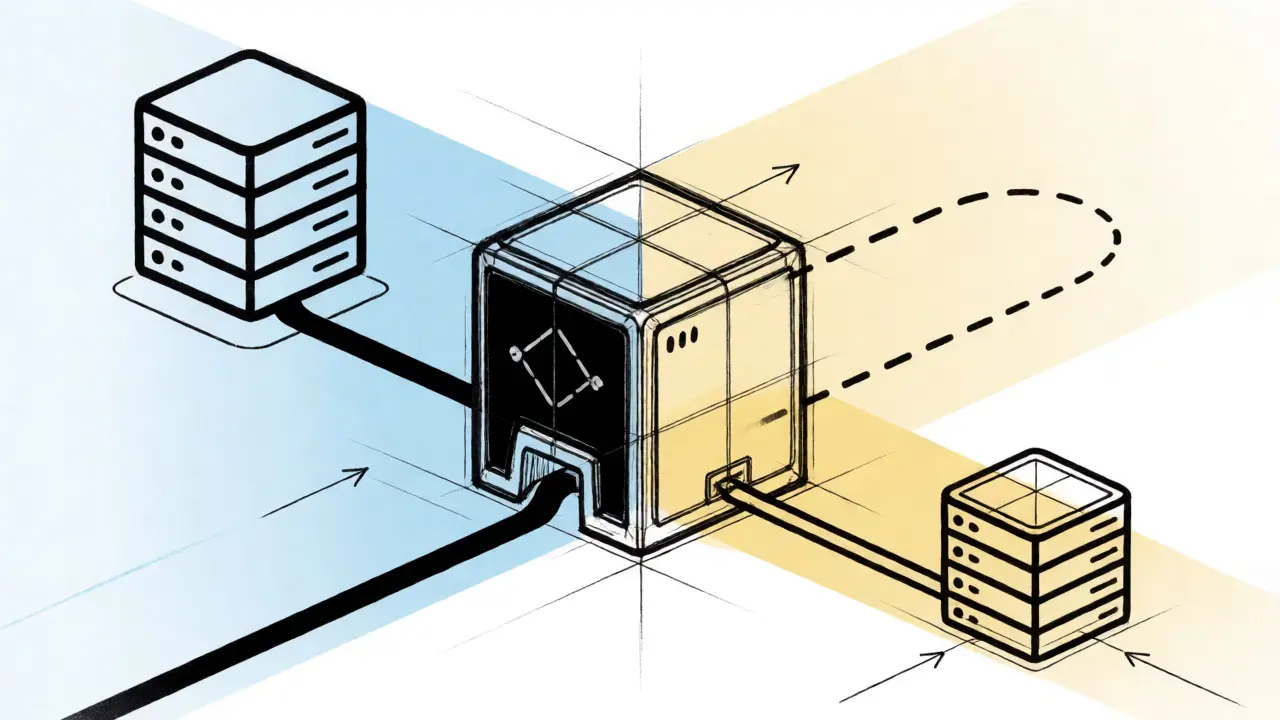
Don’t leave your secondary slots empty. Enter your old pool’s details in the “Secondary” field. Now, if the new pool goes down, your miner automatically reconnects to the old one. This safety net is crucial for uninterrupted mining.
Monitoring Post-Switch Performance
Once you’ve saved the settings, watch the logs closely for the first hour. You’re looking for two things: accepted shares and stable hashrate.
If you see “Rejected” shares, check your worker name format. A typo here is the most common cause of rejection. If the hashrate drops significantly, you might be connecting to a geographically distant server. High latency causes stale shares, where the pool receives your work after the block has already been found. Move to a closer server node if available.
Give it 24 hours before judging profitability. Short-term fluctuations are noise. Compare your daily earnings against your previous average. If the new pool pays out correctly and maintains stability, you’ve successfully migrated.
Advanced Strategy: Automated Profit Switching
Manual switching works fine for static setups, but markets change fast. Platforms like Awesome Miner or Braiins OS allow automated profit switching. These tools monitor multiple pools in real-time and adjust your miner’s priority based on current profitability.
For example, if Coin A becomes more profitable than Coin B due to a price spike, the software automatically redirects your hashpower. This requires compatible firmware and careful configuration to avoid excessive switching, which can increase stale shares. Start with conservative thresholds-only switch if the profit difference exceeds 5%.
Troubleshooting Common Issues
Issue: No shares being accepted. Solution: Verify your wallet address in the pool dashboard. Ensure the worker name matches exactly what you entered in the miner config. Check firewall rules if you’re behind a corporate network.
Issue: Hashrate fluctuates wildly. Solution: This often indicates network instability. Try switching ports (e.g., from 3333 to 4444). If the problem persists, the issue may lie with your local internet connection rather than the pool.
Issue: Missing payouts. Solution: Double-check the payout method. PPLNS pools pay out based on shares submitted in the last N blocks. If you switched mid-cycle, your first payout might be smaller than expected. Review the pool’s FAQ on payment cycles.
Will I lose my unconfirmed rewards when switching pools?
Yes, generally you will. Most pools do not transfer pending balances between different providers. You must wait until your current balance reaches the minimum payout threshold and withdraw it before disconnecting. If you abandon the account early, those funds are typically lost.
How long does it take to switch mining pools?
The technical switch takes seconds to minutes. Once you save the configuration on your miner, it reconnects almost instantly. However, the first payout cycle on the new pool might take several days depending on the payout method (PPS vs. PPLNS) and network difficulty.
Can I mine on two pools at the same time?
Not directly with a single ASIC miner, as it connects to one primary stratum server at a time. However, you can split your fleet, sending half your miners to Pool A and half to Pool B. Alternatively, advanced software solutions can manage multiple devices to achieve this effect across a larger farm.
What is the best fee structure for beginners?
Pay Per Share (PPS) is usually best for beginners because it provides predictable, immediate income regardless of whether the pool finds a block. The trade-off is slightly lower average returns compared to PPLNS, which carries more variance but potentially higher long-term gains.
Does server location affect mining performance?
Yes, latency matters. Connecting to a server far from your physical location increases the chance of stale shares, where your work arrives too late to count. Choose a pool with servers geographically close to you to maximize efficiency.


