
Running a cryptocurrency full node isn’t just for tech experts anymore. It’s a simple, powerful way to take real control over how you interact with blockchain networks. Forget trusting third-party apps or wallets that might disappear tomorrow. A full node lets you verify every transaction yourself - no exceptions, no middlemen. If you’ve ever wondered what it takes to be part of the backbone of Bitcoin or Ethereum, this guide walks you through exactly how to do it - no fluff, no jargon.
What Exactly Is a Full Node?
A full node is a program that downloads and verifies the entire history of a blockchain. For Bitcoin, that means storing over 557 GB of data as of early 2026. For Ethereum, it’s closer to 990 GB. Unlike light wallets or mobile apps, a full node doesn’t rely on anyone else to tell you what’s valid. It checks every block, every signature, every rule - on its own. That’s what makes it the ultimate validator. When you run one, you’re not just using the network. You’re helping keep it secure, decentralized, and trustworthy.
Think of it like having your own copy of Wikipedia, updated in real time, where you check every edit before accepting it. If someone tries to sneak in a fake transaction, your node catches it. No one else can trick you. That’s the core promise of blockchain: trustlessness. And full nodes are the only way to truly live it.
Why Run a Full Node? The Real Benefits
Most people use crypto through exchanges or apps like Coinbase or MetaMask. But those services still make decisions for you. They decide which transactions to show, which blocks to trust, and sometimes even freeze funds. A full node removes all that.
- Complete privacy: Your wallet doesn’t have to broadcast your transaction to a third-party server. Your node relays it directly to the network.
- No censorship: If a service decides to block a transaction, your node won’t care. It follows the rules of the protocol, not someone’s policy.
- Network contribution: Every full node helps other users sync faster and makes the network more resilient against attacks.
- Deep understanding: Once you’ve watched your node sync from the genesis block, you’ll never look at crypto the same way again.
According to a 2023 survey of 500 node operators, 62% said running a node gave them a much clearer grasp of how blockchain actually works. That’s not just technical curiosity - it’s empowerment.
Hardware Requirements: What You Really Need
You don’t need a gaming rig. But you do need to be realistic. The biggest mistake people make? Underestimating storage.
For Bitcoin:
- Storage: 600 GB minimum (blockchain size grows ~60 GB/year)
- RAM: 4 GB (8 GB recommended for smooth syncing)
- Processor: Dual-core CPU (Intel i3 or AMD Ryzen 3 is fine)
- Drive: SSD required. HDDs will make syncing take weeks - or fail entirely.
- Bandwidth: 50 MBit/s upload/download. You’ll be sending and receiving data constantly.
For Ethereum:
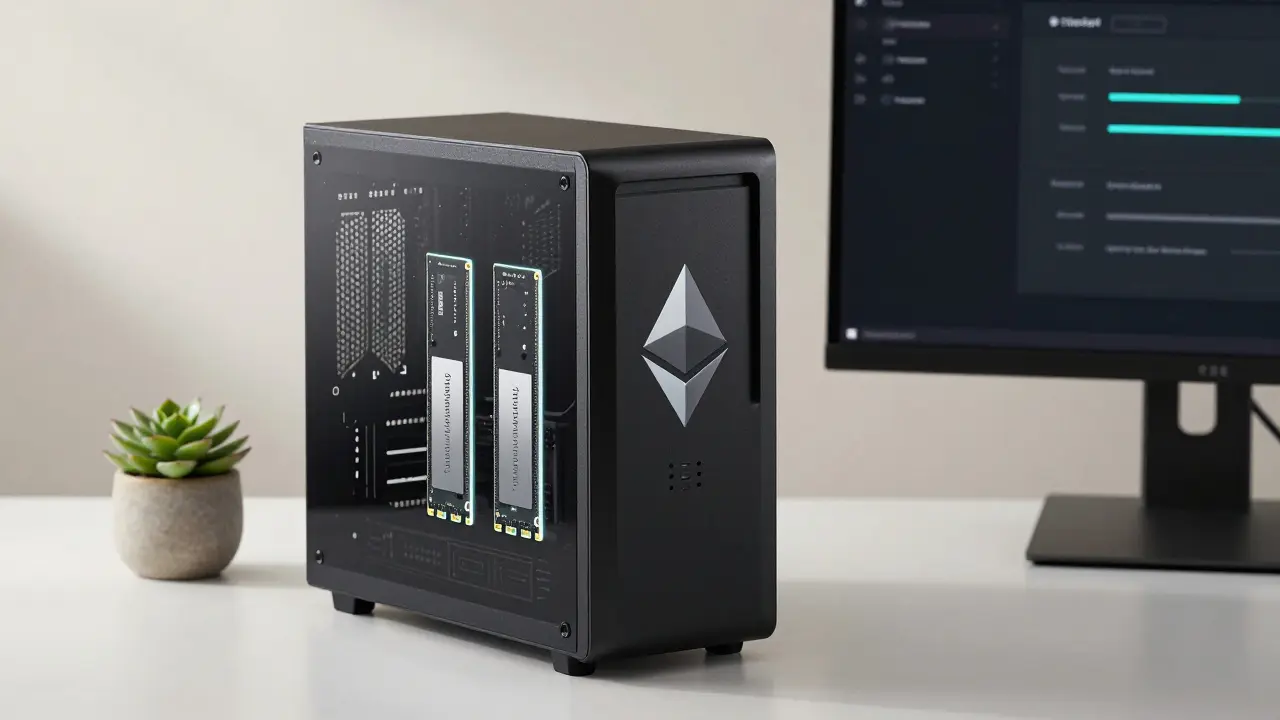
- Storage: 1 TB minimum (and growing fast)
- RAM: 16 GB (8 GB is not enough - crashes are common)
- Processor: Quad-core CPU (Intel i5 or Ryzen 5 minimum)
- Drive: Fast NVMe SSD. SATA SSDs will bottleneck sync speed.
- Bandwidth: 50 MBit/s minimum
Most people run their node on an old laptop or a Raspberry Pi 4 with an external SSD. One Reddit user ran a Bitcoin node for 18 months on a $150 setup: a Pi 4, a 2 TB external SSD, and a $10 power adapter. It sits quietly in a closet. No noise. No heat. Just syncing.
Step-by-Step: Setting Up a Bitcoin Full Node
Bitcoin is the easiest place to start. Here’s how to do it in under an hour - if you’ve got the hardware ready.
- Download Bitcoin Core from the official site. Version 24.0 is the latest stable release as of 2026.
- Install it on Windows, macOS, or Linux. The installer is straightforward - just follow the prompts.
- Launch Bitcoin Core. It will ask where to store the blockchain data. Choose your SSD. Do not use your system drive.
- Let it sync. This takes time. On a good SSD, it’s 24-72 hours. On slower hardware, it can be over a week. Don’t close it. Let it run.
- Once synced, go to Settings > Options > Network. Check “Server” and “Listen”. This lets other nodes connect to you.
- Open port 8333 on your router. This is critical. Without it, you’re only downloading, not sharing. Search “how to port forward [your router model]” on Google.
- Optional: Enable pruning. Go to Settings > Options > Disk Space. Set it to 550 GB. This deletes old blocks you don’t need to validate new ones. Saves space, keeps you functional.
After setup, your node will show “Synchronized” in the bottom right. Now you’re running a full Bitcoin node. You can use it with any wallet that supports RPC - like Sparrow Wallet or Electrum - to make truly independent transactions.
Setting Up an Ethereum Full Node
Ethereum is more complex because it split into two layers after the Merge. You need both a consensus client and an execution client.
Option 1: Use Ethereum Node Launcher (Beginner-Friendly)
- Go to ethereum.org/nodes
- Download the Ethereum Node Launcher (Windows/macOS/Linux)
- Run it. It asks: “Do you want to run a full node?” → Click yes.
- It auto-downloads Geth (execution) and Teku (consensus), configures them, and starts syncing.
- Wait. Syncing can take 3-7 days. Monitor progress in the app.
Option 2: Manual Setup (Advanced)
- Install Geth (execution client)
- Install Teku (consensus client)
- Start Geth with:
geth --syncmode=full - Start Teku with:
teku --eth1-endpoint=http://localhost:8545 - Wait for both to sync. They must be running together.
Most users stick with the Node Launcher. It’s reliable, updated, and handles the tricky parts for you. Just make sure your SSD has at least 1.2 TB free space - Ethereum’s chain grows fast.
Common Problems and How to Fix Them
It’s not always smooth. Here’s what usually goes wrong - and how to fix it.
- Sync stalls at 90% → You’re out of disk space. Check your drive. Ethereum nodes often need more than advertised. Add 20% buffer.
- Node crashes during sync → Likely low RAM. Ethereum nodes need 16 GB. If you’re on 8 GB, upgrade. No workaround.
- Can’t connect to peers → Port 8333 (Bitcoin) or 30303 (Ethereum) isn’t open. Use a port checker tool like YouGetSignal to test it.
- Too slow → HDD? Stop. SSD is non-negotiable. Even a cheap NVMe drive cuts sync time in half.
- Electricity bill spiked → Your node runs 24/7. A Bitcoin node uses ~50W. That’s ~$5/month. Ethereum? ~80W. ~$8/month. Not cheap, but not crazy either.
GitHub data shows 12% of Bitcoin sync failures are due to insufficient storage. That’s avoidable. Always check your drive space before starting.
Is It Worth It? The Trade-Offs
Running a full node isn’t for everyone. But if you care about true decentralization, it’s one of the most meaningful things you can do.
Pros:
- You never have to trust another company with your money.
- You help protect the network from attacks and censorship.
- You gain confidence - knowing you’re not being lied to.
Cons:
- It costs money: hardware, electricity, storage upgrades.
- It takes time: syncing can take days.
- It’s not glamorous: no flashy UI, no profit, just quiet, steady work.
And yes - there’s a real risk. As blockchain sizes grow, experts like Jameson Lopp warn that running a full node could become impossible for average users within 5-7 years. That’s why projects like Bitcoin’s Utreexo and Ethereum’s Verkle Trees are so important. They aim to shrink storage needs from hundreds of gigabytes to under 1 GB. If they work, the barrier will drop again.
For now? If you’ve got an old laptop and a spare SSD, it’s still doable. And it matters.
What’s Next? Beyond the Basics
Once your node is synced, you can:
- Use it with a wallet like Sparrow (Bitcoin) or MetaMask (Ethereum) for private transactions.
- Run a Lightning Network node on Bitcoin to enable fast, cheap payments.
- Join community forums like Bitcoin Talk or Ethereum Stack Exchange to help others.
- Monitor your node’s performance with tools like Bitnodes or Etherscan.
Some people even turn their node into a public RPC endpoint - letting others query blockchain data without paying for a service. It’s a quiet act of generosity that strengthens the whole network.
Do I need to run a full node to use Bitcoin or Ethereum?
No, you don’t need to run a full node to use Bitcoin or Ethereum. Most people use wallets or exchanges that connect to nodes run by others. But if you want to verify transactions yourself - without trusting anyone - then yes, you need a full node. It’s the only way to achieve true independence on the network.
Can I run a full node on a Raspberry Pi?
Yes, for Bitcoin. A Raspberry Pi 4 with 4 GB RAM and an external SSD works fine. Many users run Bitcoin nodes this way. For Ethereum, it’s not recommended. The memory and disk demands are too high for the Pi’s hardware. Stick to a desktop or laptop for Ethereum.
How much electricity does a full node use?
A Bitcoin full node uses about 50 watts continuously - that’s roughly $5 per month in New Zealand. An Ethereum node uses closer to 80 watts, or $8-$10/month. Compare that to a gaming PC or crypto miner - this is minimal. The real cost is storage and time, not power.
What’s the difference between a full node and a light node?
A full node stores the entire blockchain and verifies every rule. A light node only downloads block headers and relies on full nodes to answer questions. Light nodes are faster and use less storage - but they can’t verify transactions independently. They trust others. Full nodes don’t.
Will running a full node make me money?
No, running a full node doesn’t pay you. Unlike mining or staking, full nodes don’t earn rewards. Their value is in security, privacy, and decentralization. You’re not getting paid - you’re helping keep the system alive for everyone else.
Can I run multiple nodes for different cryptocurrencies?
Yes, but each requires its own hardware setup. Bitcoin and Ethereum nodes don’t interfere with each other, but they both need SSDs and bandwidth. Most people run one - usually Bitcoin - because it’s the most resource-efficient. Running multiple is possible, but only if you have spare storage, RAM, and a stable internet connection.
Final Thought: You’re Part of the Network Now
Running a full node is one of the few actions in crypto that actually changes the system. It’s not speculation. It’s not trading. It’s building. When you run a node, you’re not just a user - you’re infrastructure. And in a world where so much of our digital lives are controlled by corporations, that’s rare. That’s powerful.
Start small. Use an old SSD. Let it sync overnight. Check on it tomorrow. You’ll be surprised how quiet and steady it is. And when you see that first transaction verified by your own node? That’s when you’ll understand why this matters.


