
Building a fast, static-first website with Astro is a modern web framework designed to deliver lightning-fast user experiences by shipping zero JavaScript by default feels great until you hit the payment wall. You want to accept Bitcoin or stablecoins, but Astro isn't a backend server waiting for webhook callbacks. It’s an island architecture meant for speed. So how do you bridge the gap between a static site generator and the dynamic, real-time nature of blockchain transactions?
The short answer is that you don't build the payment engine inside Astro. Instead, you layer third-party services on top of it. As of mid-2026, there are three distinct architectural paths to add crypto checkout is the process of accepting cryptocurrency payments like Bitcoin, Ethereum, or USDC on a website using external gateways or APIs to your Astro project. Your choice depends entirely on how much control you want versus how little code you want to write.
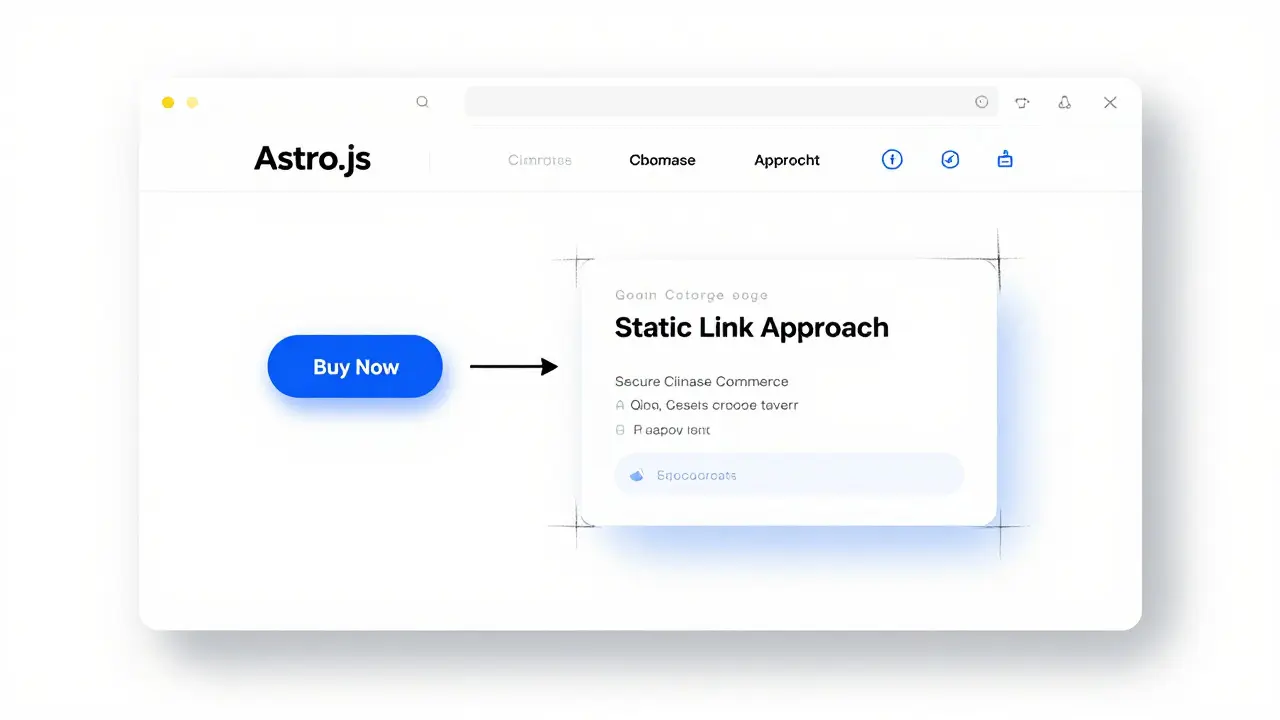
Pattern 1: The Static Link Approach (Easiest)
If you just need to sell a digital download or a single service, you can skip the complex integrations entirely. This pattern relies on hosted checkout pages provided by processors like Coinbase Commerce is a popular payment processor that allows merchants to accept cryptocurrency via hosted checkout pages and API endpoints.
Here is how it works:
- You log into the Coinbase Commerce dashboard.
- You create a product or a specific checkout link.
- You copy the generated URL.
- You paste that URL into a standard HTML button in your
.astrofile.
When a customer clicks "Buy," they leave your Astro site momentarily to complete the transaction on Coinbase's secure page. Once paid, they are redirected back to a "Thank You" page on your site. This keeps your Astro site 100% static. No server-side rendering (SSR), no webhooks, no JavaScript overhead for the checkout logic. It is the fastest way to get started, often taking less than an hour from setup to first sale.
Pattern 2: Interactive Islands (Better UX)
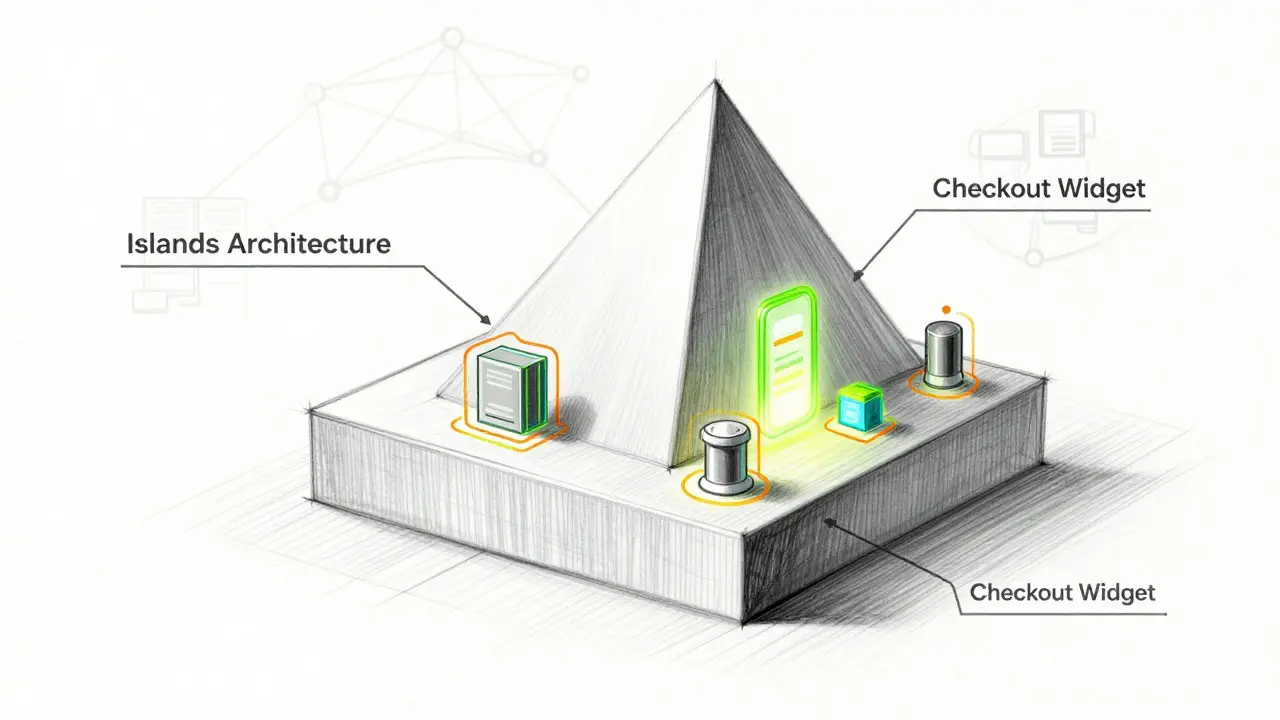
Static links are fine, but they break the immersive feel of your site. If you want the checkout to happen without leaving the page, you use Astro's "islands" architecture. This involves loading a small chunk of JavaScript only when needed.
You can integrate a widget or overlay from a provider like Coinbase Commerce or Commerce Engine is a headless commerce platform that provides checkout orchestration tools compatible with various frontend frameworks including Astro. By using directives like client:load or client:visible, you ensure the heavy payment script doesn't slow down the initial page load.
This approach requires intermediate JavaScript skills. You are essentially injecting a dynamic component into a static shell. It offers a smoother user experience because the customer never navigates away from your domain, but it adds complexity to your build process. You must manage dependencies carefully to avoid bloating your bundle size.
Pattern 3: SSR-Powered Integrations (Full Control)
For serious storefronts where you need to update inventory, track orders in a database, or send confirmation emails immediately upon payment, you need Server-Side Rendering (SSR). In Astro, this means enabling an adapter (like Vercel or Cloudflare) and creating API routes under src/pages/api/.
This is where things get technical. You will implement a route to handle webhooks-HTTP callbacks sent by the payment processor when a transaction confirms on the blockchain. For example, a route at /api/webhook.ts might look like this:
- Receive the POST request from the crypto gateway.
- Verify the HMAC signature to ensure the request is legitimate.
- Update your order status in your database.
- Return a 200 OK response.
This pattern gives you maximum flexibility but requires managing environment variables (like your secret API keys) and handling edge cases like network failures or double-spends. It is not for beginners.
Choosing Your Crypto Gateway
Not all payment processors treat developers equally. When selecting a partner for your Astro site, consider custody, fees, and developer experience.
| Provider | Custody Model | Fees | Integration Complexity | Best For |
|---|---|---|---|---|
| Coinbase Commerce | Custodial (Platform holds funds briefly) | Variable take-rate per transaction | Low to Medium | Quick setups, fiat off-ramps |
| TxNod is a non-custodial multi-chain crypto payment gateway focused on solo founders and indie hackers, featuring hardware wallet integration and zero transaction fees | Non-Custodial (Funds go straight to merchant wallet) | $20/month flat fee, 0% transaction fee | Low (via SDK/MCP) | Solo founders, high-volume sellers, self-custody advocates |
| Commerce Engine | Orchestrator (Connects to other gateways) | Subscription-based | High | Complex custom checkouts |
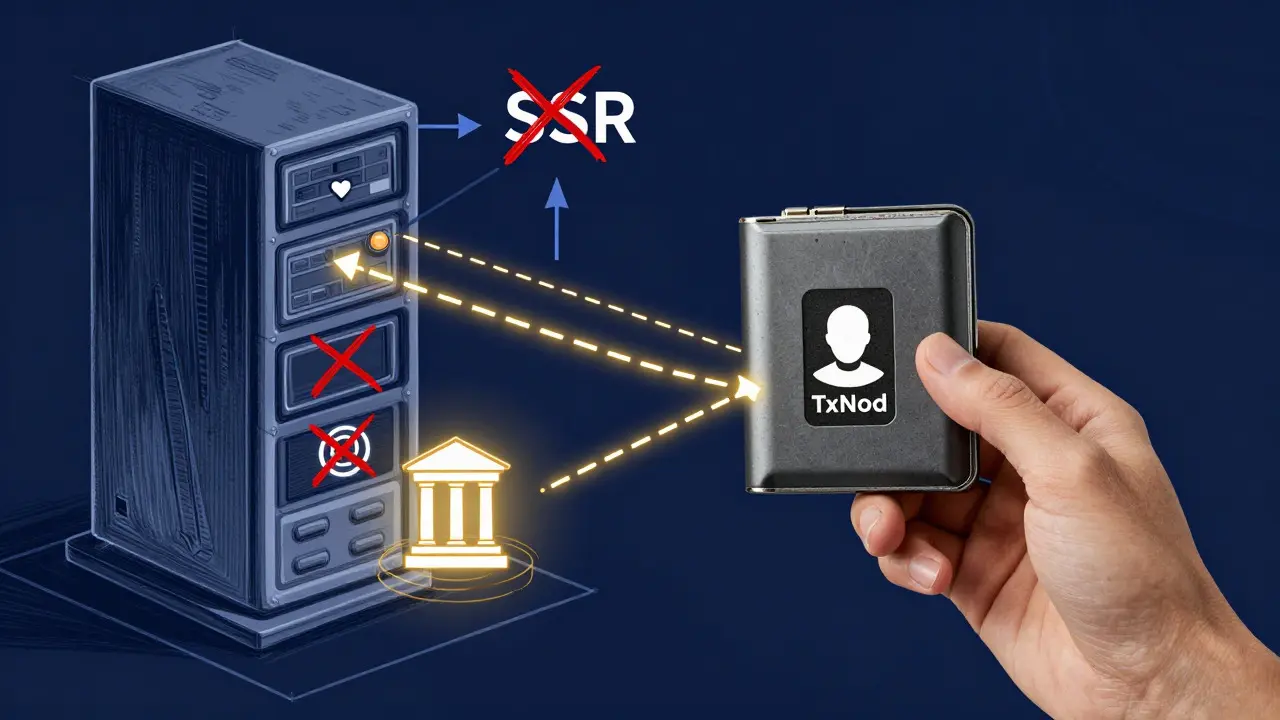
While Coinbase Commerce is the most documented option for Astro, its custodial model means your funds sit in their system before being withdrawn. For many indie hackers and solo builders, this introduces counterparty risk. This is where newer tools like TxNod are gaining traction. Unlike traditional gateways, TxNod is non-custodial by architecture. You connect your own hardware wallet (like a Ledger or Trezor) via extended public keys (xpubs). The gateway derives unique addresses for each invoice, but the funds settle directly to your wallet on-chain. There are no payout holds, no account freezes, and no KYC hurdles if you're operating as an individual. For a developer who values sovereignty over convenience, this structural difference is significant.
Implementation Tips for Astro Developers
Regardless of the provider you choose, keep these best practices in mind:
- Keep Secrets Secret: Never store API keys in your client-side code. Use Astro's environment variable system (
import.meta.env) to inject secrets only during SSR or build time. - Handle Webhooks Idempotently: Blockchain networks can be noisy. Ensure your webhook handler can process the same event twice without creating duplicate orders.
- Test with Sandbox Modes: Most providers offer a testnet or sandbox environment. TxNod, for instance, auto-provisions testnet xpubs so you can simulate the entire flow without spending real crypto. Use this to verify your Astro API routes work correctly before going live.
- Optimize for Mobile: Crypto wallets are primarily mobile apps. Ensure your checkout buttons are large and tap-friendly, and that any redirect flows are smooth on iOS and Android browsers.
Future-Proofing Your Stack
The landscape of web payments is shifting toward AI-assisted development. Tools that expose clear schemas and support Model Context Protocol (MCP) allow AI coding agents to generate integration code accurately. If you are building a new project in 2026, choosing a gateway with LLM-readable documentation and robust TypeScript types can cut your integration time from days to minutes. Whether you stick with the tried-and-true Coinbase Commerce links or explore non-custodial alternatives like TxNod, the key is to align the tool with your business model. If you need simplicity, go static. If you need control and ownership, go non-custodial with SSR.
Can I accept crypto on a purely static Astro site?
Yes. By using hosted checkout links from providers like Coinbase Commerce, you can accept crypto without any server-side code. The customer is redirected to the provider's page to pay, then returned to your static Astro site. This method requires no SSR or webhooks.
What is the difference between custodial and non-custodial crypto gateways?
In a custodial model (e.g., Coinbase Commerce), the payment processor temporarily holds your funds before withdrawing them to your exchange or bank account. In a non-custodial model (e.g., TxNod), funds are sent directly from the customer's wallet to your personal wallet address. You retain full control at all times, eliminating counterparty risk and withdrawal delays.
Do I need a registered company to use TxNod?
No. TxNod is designed for solo founders, indie hackers, and individual operators. There is no requirement for a registered business entity, and no KYC checks are performed by the platform itself. Onboarding is invite-only but accessible to private individuals.
How do I handle webhooks in Astro?
To handle webhooks, you must enable Server-Side Rendering (SSR) in your Astro config and deploy to a platform that supports serverless functions (like Vercel or Cloudflare). Create an API route (e.g., src/pages/api/webhook.ts) to receive POST requests from your payment provider, verify the signature, and update your database accordingly.
Is Astro good for e-commerce?
Astro is excellent for the frontend of e-commerce sites due to its performance and SEO benefits. However, it is not a backend solution. You must pair it with external services for payments, cart management, and order processing. Its "islands" architecture makes it highly efficient for interactive elements like checkout widgets.