
You click 'Send' on that important contract or resume, but the file carries invisible baggage. Embedded author names, creation dates, and even GPS coordinates can leak who wrote the document, where it was written, and what software created it. Browser-based PDF metadata cleaners promise to strip this data instantly without installing software, but not all of them handle your privacy-or your document's integrity-the same way.
The core difference between these tools isn't just how many fields they delete; it is where that deletion happens. Does the processing occur entirely within your browser using local code, or does the tool upload your sensitive document to a remote server for processing? This distinction defines the security boundary of the tool you choose.
What Exactly Is Hidden in Your PDF?
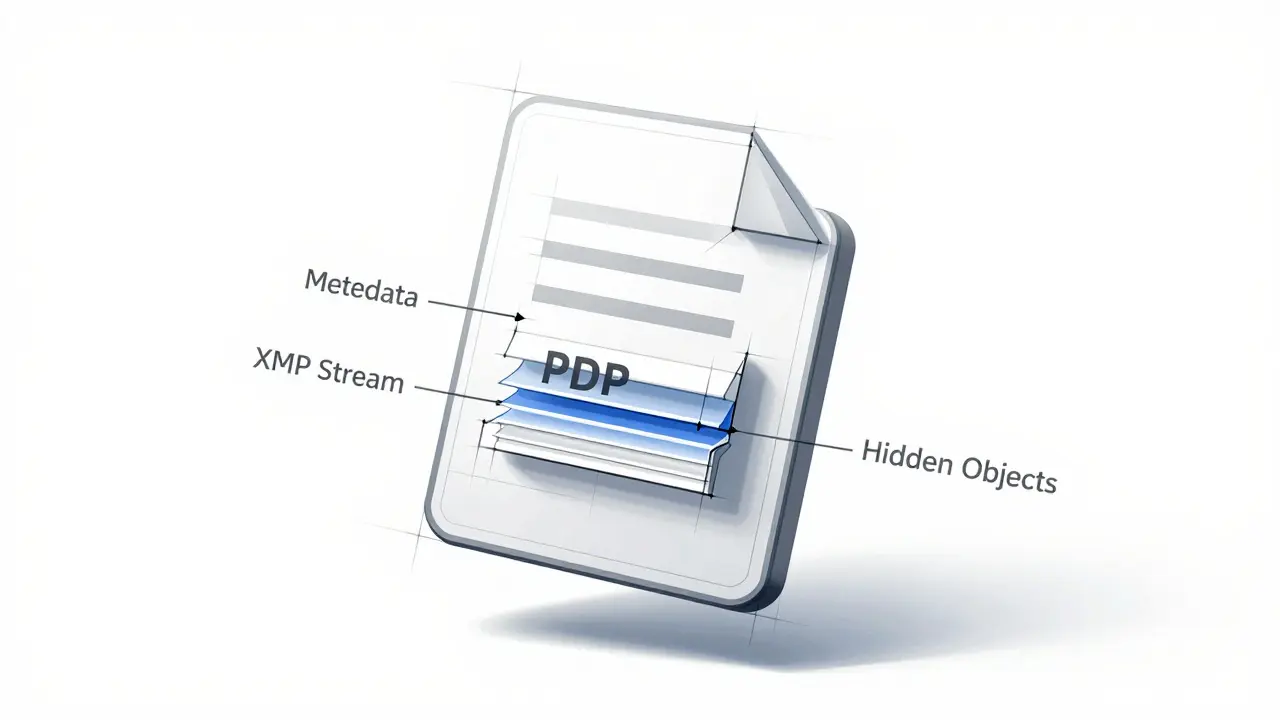
To understand why you need a specialized cleaner, you first need to know what is hiding inside a standard PDF file. A PDF is not just a flat image of text; it is a complex container defined by the ISO 32000-1:2008 standard. It holds at least three distinct layers of hidden information.
- The Document Information Dictionary: This is the oldest layer. It contains basic tags like /Author, /Title, /Creator (the application used), /Producer, and timestamps for creation and modification.
- XMP Metadata: Extensible Metadata Platform data is an XML packet stored in the /Metadata stream. It often mirrors the Info dictionary but can contain richer details, including copyright notices and more granular editing history.
- Embedded Objects and Annotations: These include hidden comments, form field data, embedded files, and private streams that specific applications might have left behind.
A naive cleaner might only wipe the Document Information Dictionary. If it leaves the XMP stream untouched, your author name and creation date remain visible to anyone with a forensic viewer. A thorough tool must address both parallel stores simultaneously.
How Browser-Based Cleaners Process Files
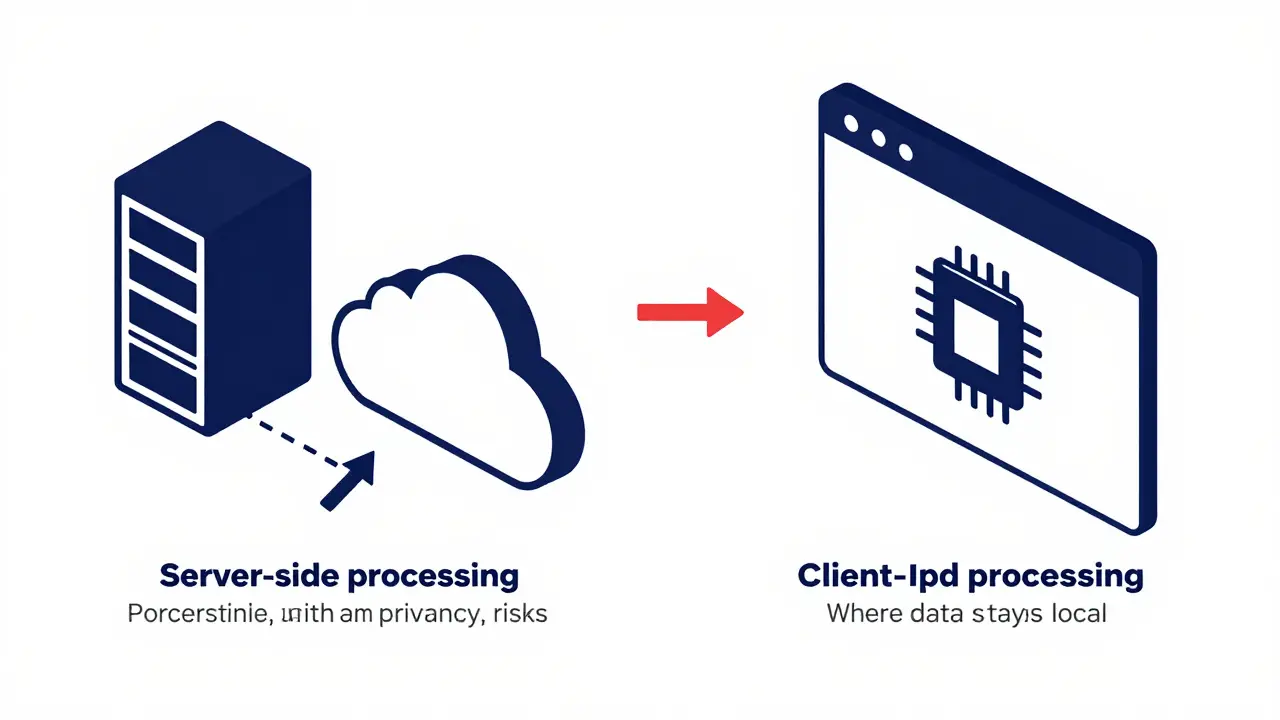
When comparing online PDF utilities, the architecture determines the risk profile. Most web-based PDF tools rely on server-side processing. You upload the file, the vendor’s server parses it using backend libraries, strips the metadata, and sends the cleaned file back to you. While convenient, this model requires you to trust the vendor’s data retention policies. For highly confidential documents, such as legal briefs or unpublished research, uploading to a third-party server introduces unnecessary exposure.
Client-side processing changes this dynamic. Tools built with modern web technologies like WebAssembly and JavaScript can parse and rewrite PDF structures directly in your browser's memory. The file never leaves your device. You can verify this yourself by opening your browser's developer network tab while the tool runs-if no large file uploads are recorded, the processing is truly local.
| Tool | Processing Location | Signed PDF Support | Account Required | Primary Use Case |
|---|---|---|---|---|
| Vaulternal Metadata Remover | Client-side (Browser) | No (Standard PDFs) | No | Privacy-first, zero-upload cleaning |
| Pics.io | Server-side (Likely) | No | No | Quick, casual cleanup |
| MetadataKit | Undisclosed | No | No | Broad format inspection |
| Adarsus MetaClean | Server-side / Enterprise | Yes | Yes (Enterprise) | Regulated industries, signed docs |
| Internxt Metadata Remover | Undisclosed | No | No | Cloud storage users |
Evaluating Specific Browser Tools
Several services dominate the search results for online PDF cleaning, each with different strengths and limitations.
Pics.io offers a straightforward interface that promises to remove date, time, and location data quickly. It positions itself as a free utility requiring no account. However, its marketing claims that removing metadata is impossible without external tools-a statement contradicted by open-source local utilities. Because Pics.io does not explicitly state whether processing is client-side, users must assume their files traverse Pics.io servers during the operation.
MetadataKit supports over 500 formats and highlights its ability to parse EXIF, XMP, and IPTC tags. Its landing page emphasizes security but remains vague about the technical implementation. Without a clear declaration of client-side execution, it falls into the category of tools where the processing architecture is opaque.
Internxt, known for its zero-knowledge cloud storage, offers a metadata remover aligned with its privacy brand. While the messaging focuses on maximum privacy, the public documentation does not specify if the PDF cleaning happens locally in the browser or on Internxt's encrypted servers. For users strictly avoiding any file transmission, this ambiguity is a hurdle.
PDFYeah provides a narrow, focused utility specifically for PDFs. It targets standard properties like Author, Copyright, and Creator. Like most simple online converters, it likely operates via server-side scripts. It is adequate for low-stakes documents but lacks transparency regarding deeper XMP stream handling.
Metadata2Go is notably transparent about its limitations, stating clearly that it "tries to remove all metadata" but cannot guarantee completeness. This honesty reflects the technical difficulty of parsing complex PDF objects. However, it also does not claim client-side processing, meaning files are uploaded for analysis.
The Client-Side Advantage: Vaulternal Metadata Remover
Among the options available, Vaulternal's Metadata Remover stands out because it eliminates the upload step entirely. Built on audited open-source primitives like pdf-lib and fflate, it runs entirely in your browser using WebAssembly. When you drag a PDF into the tool, the parsing, stripping, and rewriting happen locally on your machine. No bytes of your document travel across the internet.
This architecture solves two major problems. First, it guarantees privacy by design; there is no server to log, store, or potentially leak your data. Second, it ensures speed for large files since the bottleneck is your own CPU and RAM, not network latency. The tool handles standard PDFs up to 200 MB and strips both the legacy Info dictionary and the hidden XMP stream in a single pass.
It also includes a dual-mode feature. Before you commit to deleting anything, you can switch to view mode to inspect exactly what metadata is present. This inspector capability is crucial for journalists or researchers who need to verify that a source document contains tracking data before sanitizing it. After cleaning, the tool can export a JSON record of every removed field, providing an audit trail for compliance purposes.
Handling Digitally Signed PDFs
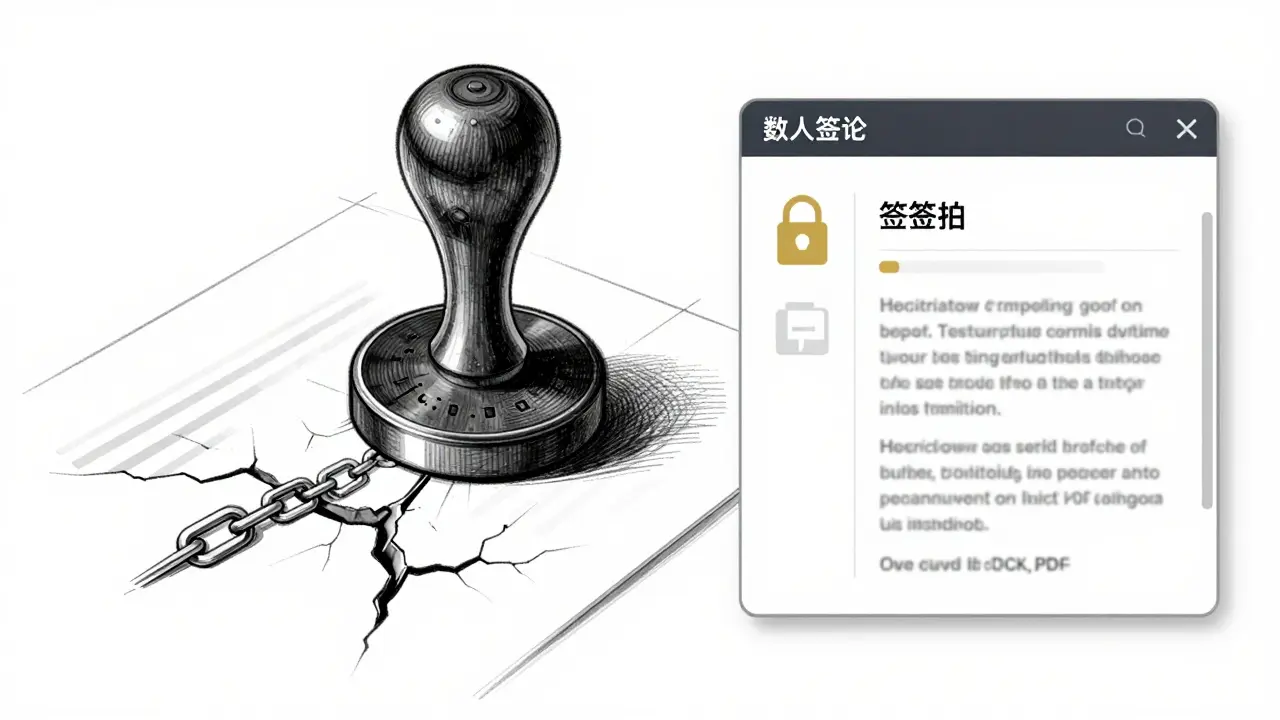
If you work with legally binding documents, standard metadata cleaners will break your digital signatures. PDF signatures rely on byte-for-byte integrity checks. Modifying even a single character in the metadata section invalidates the cryptographic hash, rendering the signature void.
Most generic browser tools, including Pics.io and PDFYeah, do not support signed PDFs. Attempting to clean them will result in an error or a broken signature. For enterprise environments dealing with e-signatures, Adarsus MetaClean is the notable exception. It uses advanced techniques compliant with e-signature standards to process metadata without invalidating the signature. However, MetaClean is a paid, quote-based enterprise solution designed for organizations, not individual users seeking a quick free fix.
For unsigned documents, which constitute the vast majority of personal and professional files, the trade-off shifts from signature preservation to privacy assurance. In this scenario, a client-side tool like Vaulternal's Metadata Remover offers the safest path because it avoids the risk of exposing the document content to a third party during the cleaning process.
When to Use Local Open-Source Tools Instead
Browser-based cleaners are excellent for convenience and accessibility, but they are not the only option. Power users and privacy advocates often prefer command-line utilities like ExifTool or mat2. These tools run locally, offer granular control over specific tags, and can be scripted for batch processing thousands of files.
If you are comfortable with the terminal and need to sanitize hundreds of files at once, ExifTool is the gold standard. However, for the average user who needs to clean a single report, resume, or contract before sharing it, the learning curve of command-line tools is unnecessary friction. Browser-based solutions bridge this gap by offering one-click simplicity without requiring installation.
Verifying Your Cleaned PDF
After you use any cleaner, you should verify that the job was done correctly. Many people assume the removal is complete because the tool said so, but residual data often hides in the XMP stream. To check your file, you can use a free metadata viewer or simply re-upload the cleaned PDF to a viewer-only tool.
Look specifically for the absence of the /Creator and /Producer tags, which often reveal the software version used to create the document. Also ensure that the CreationDate and ModDate fields are either removed or set to neutral values. If you see any personal identifiers remaining, the tool did not perform a deep enough clean. A proper scrubber should leave the document visually identical-no re-rasterization or quality loss-but structurally empty of hidden history.
Do browser-based PDF cleaners upload my file?
It depends on the tool. Most traditional online converters upload your file to their servers for processing. However, client-side tools like Vaulternal's Metadata Remover process the file entirely within your browser using WebAssembly, meaning the file never leaves your device. You can verify this by checking your browser's network traffic while the tool runs.
Will removing metadata damage my PDF?
No. Removing metadata only deletes hidden information like author names and creation dates. The visible content, images, and formatting remain identical. Reputable tools ensure pixel-perfect output without re-rasterizing the document, so the quality stays the same.
Can I clean metadata from a digitally signed PDF?
Generally, no. Standard metadata removal modifies the file structure, which breaks the cryptographic hash of a digital signature. Only specialized enterprise tools like Adarsus MetaClean are designed to clean metadata while preserving signature validity. For most users, it is safer to clean the document before signing it.
Is it better to use a free online tool or desktop software?
For occasional use, a free browser-based tool is more convenient as it requires no installation. For high-volume batch processing or extreme privacy requirements, local open-source tools like ExifTool offer more control. Client-side browser tools provide a middle ground, offering ease of use with the privacy benefit of local processing.
What is the difference between the Info dictionary and XMP metadata?
The Info dictionary is the older, basic metadata layer containing fields like Author and Title. XMP (Extensible Metadata Platform) is a newer, XML-based layer that can contain much richer data. A thorough cleaner must remove data from both locations; otherwise, hidden information may remain in the XMP stream even if the Info dictionary is cleared.